
Receive and read
Files, sharing and explicit paste
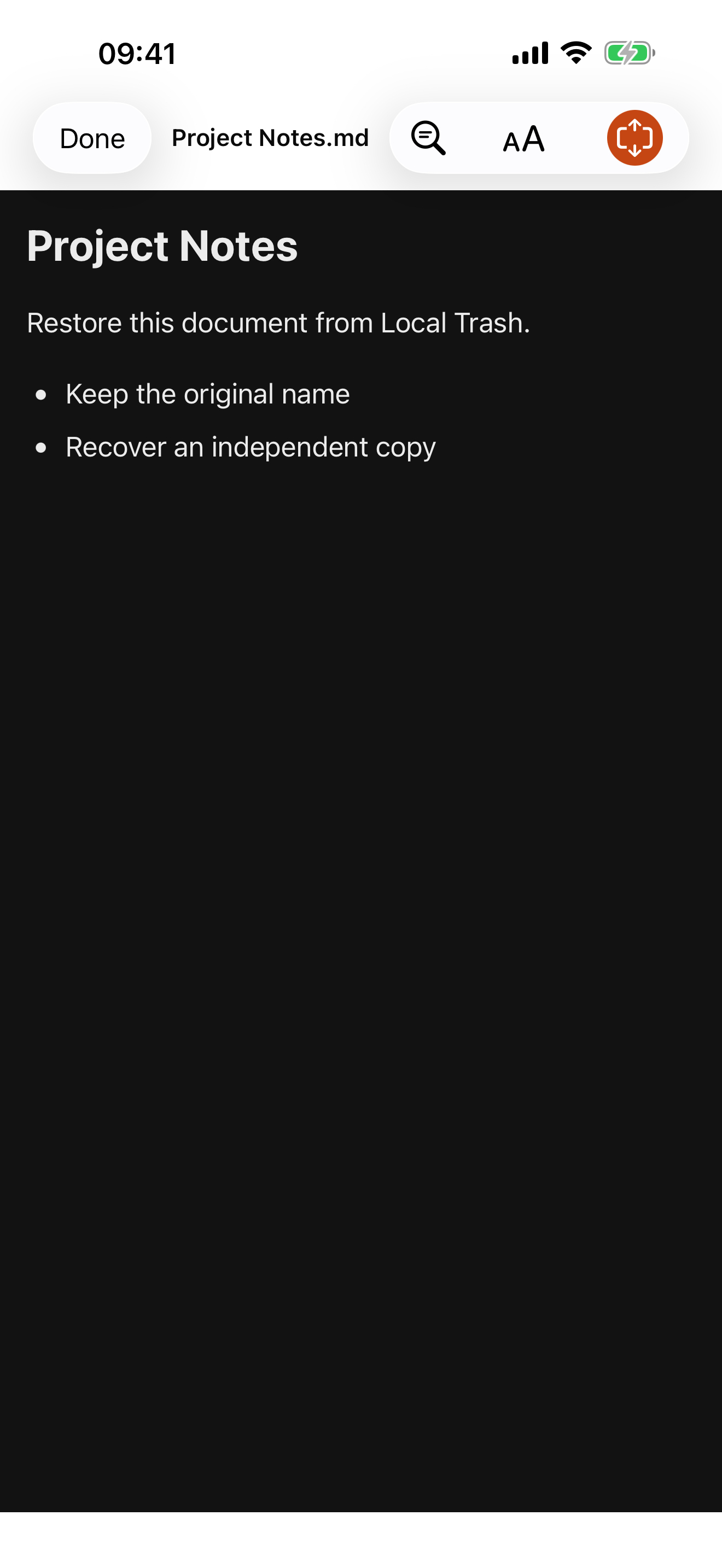
Supports Markdown, HTML, ZIP web packages, CSV, SVG, JSON and plain text, with headings, themes and text-size controls. External document requests remain blocked.
 Codeverything
iPhone · iPad · iOS 17+ · Version 1.0.0
Read clearly. Export the format you need.
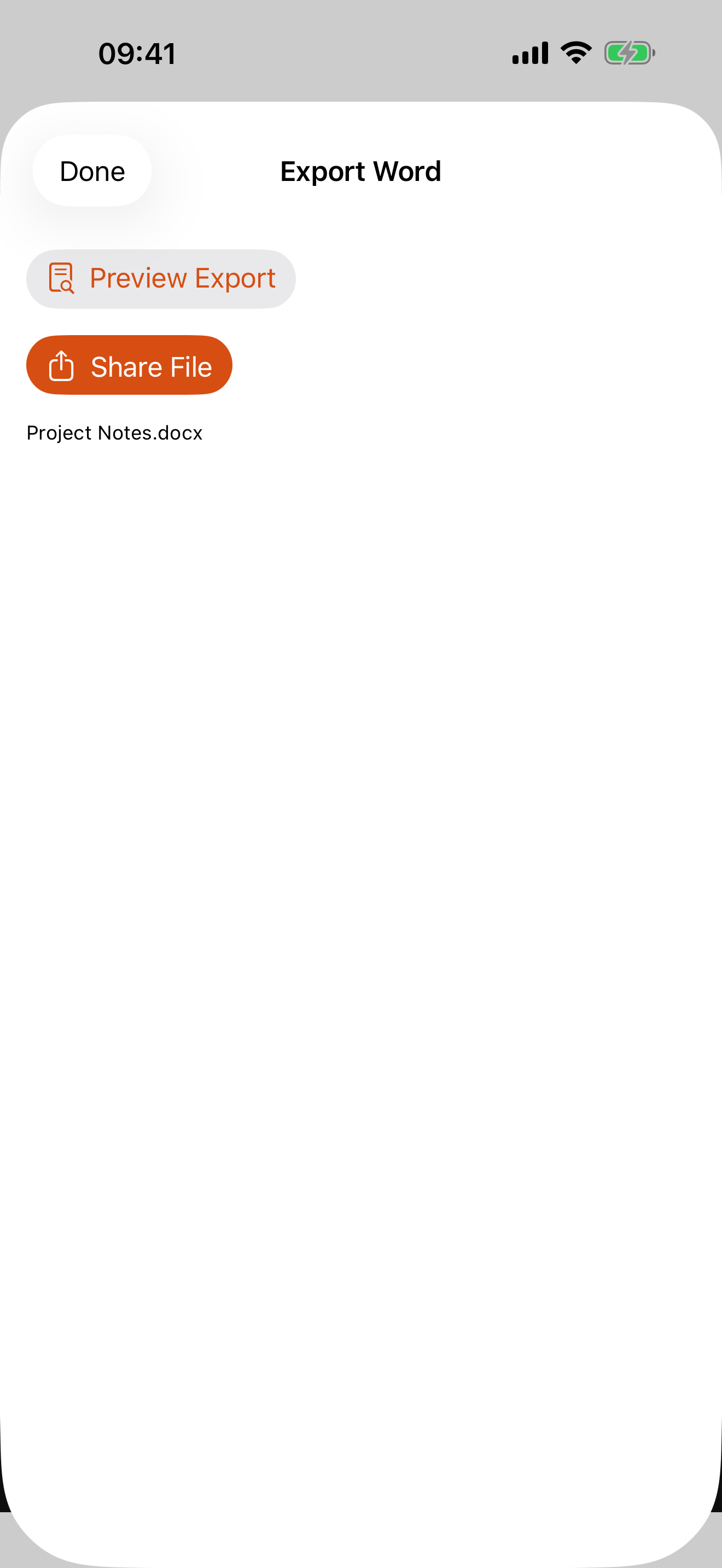
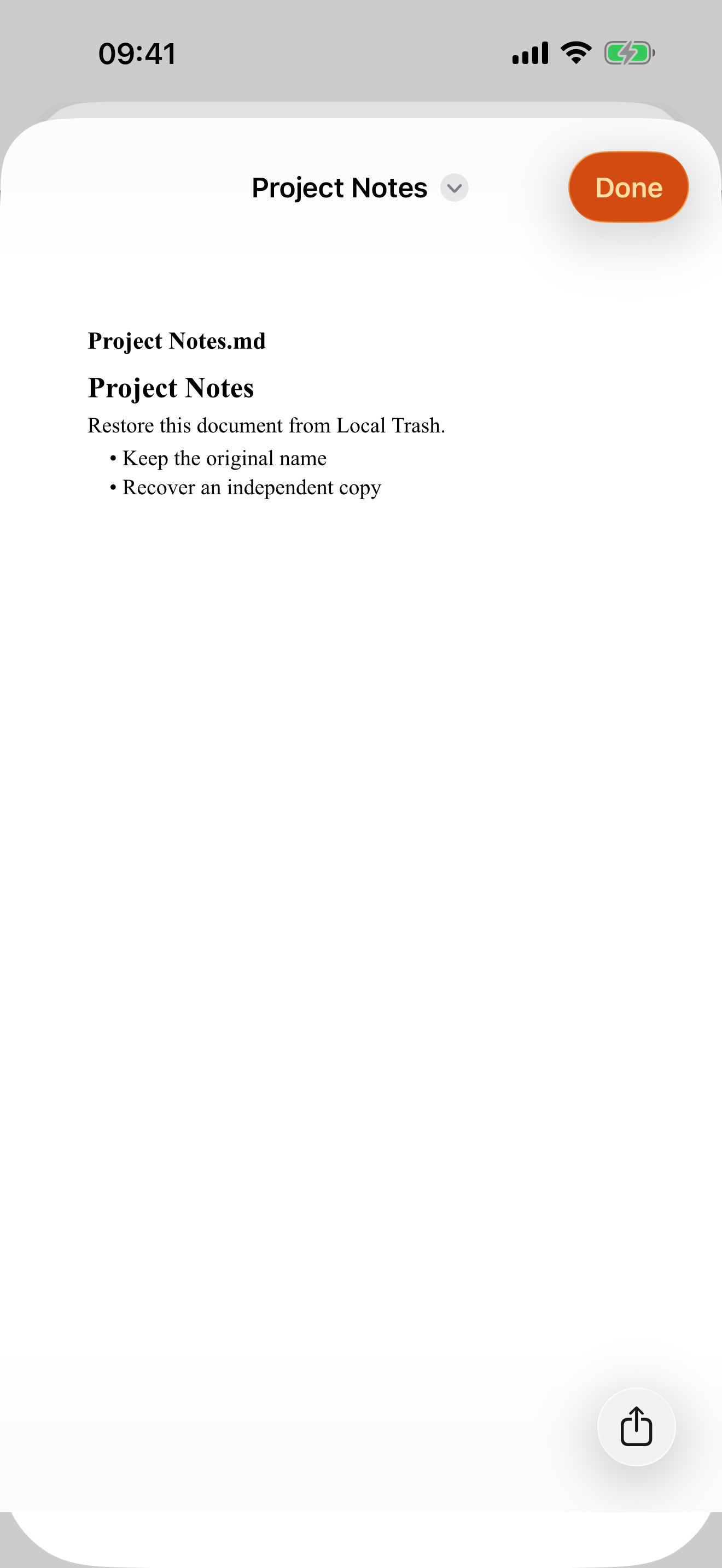
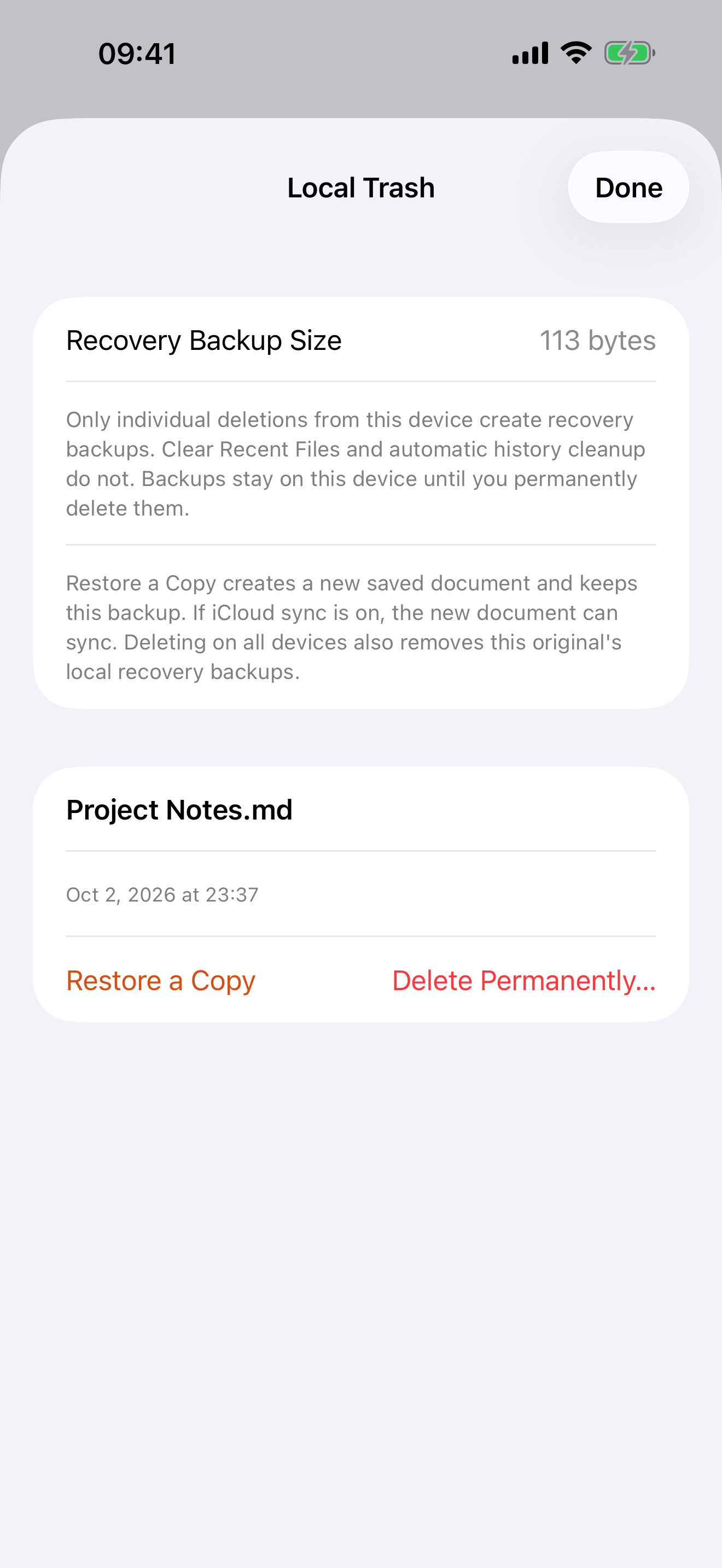
Receive Markdown, HTML, ZIP web packages, CSV, SVG, JSON and plain text on iPhone and iPad. Import from Files, system sharing or an explicit paste. Read locally, organize folders, edit supported text and export long images, A4 PDFs, Word body text or Excel tables. Preview generated Word and Excel files before sharing. Recover local editing drafts after restarting the app. Local Trash can restore a separate copy of an individually deleted local document. Clearing recent files and automatic history eviction do not create Trash copies. Deletion on all devices or received cloud deletion creates no recovery copy and removes existing local Trash records for that original. Local reading and export work offline. Optional iCloud sync is off by default. After confirmation, sync documents, required offline resources, names, folders and favorites using your current Apple account. Sync needs network access and iCloud storage. No separate Markless account is required.
Version 1.0.0 is in internal TestFlight testing for invited users. It has not been submitted for App Store review or publicly released.
Markless screenshots
Local document reading and export
Receive and read
Supports Markdown, HTML, ZIP web packages, CSV, SVG, JSON and plain text, with headings, themes and text-size controls. External document requests remain blocked.
Edit and organize
Folders, favorites, light editing and draft recovery after restarting. Individual local deletion keeps a recovery copy; clearing recents, automatic eviction and cloud deletion do not create one.
Export
Export long images, A4 PDFs, editable Word body text or Excel tables. Open native previews of generated Word and Excel files before choosing to share.
On-device processing · Optional sync
Local reading and export work offline. Optional iCloud sync is off by default and uses your Apple account after confirmation. Drafts and Trash are excluded from app document sync; system backups depend on your settings.